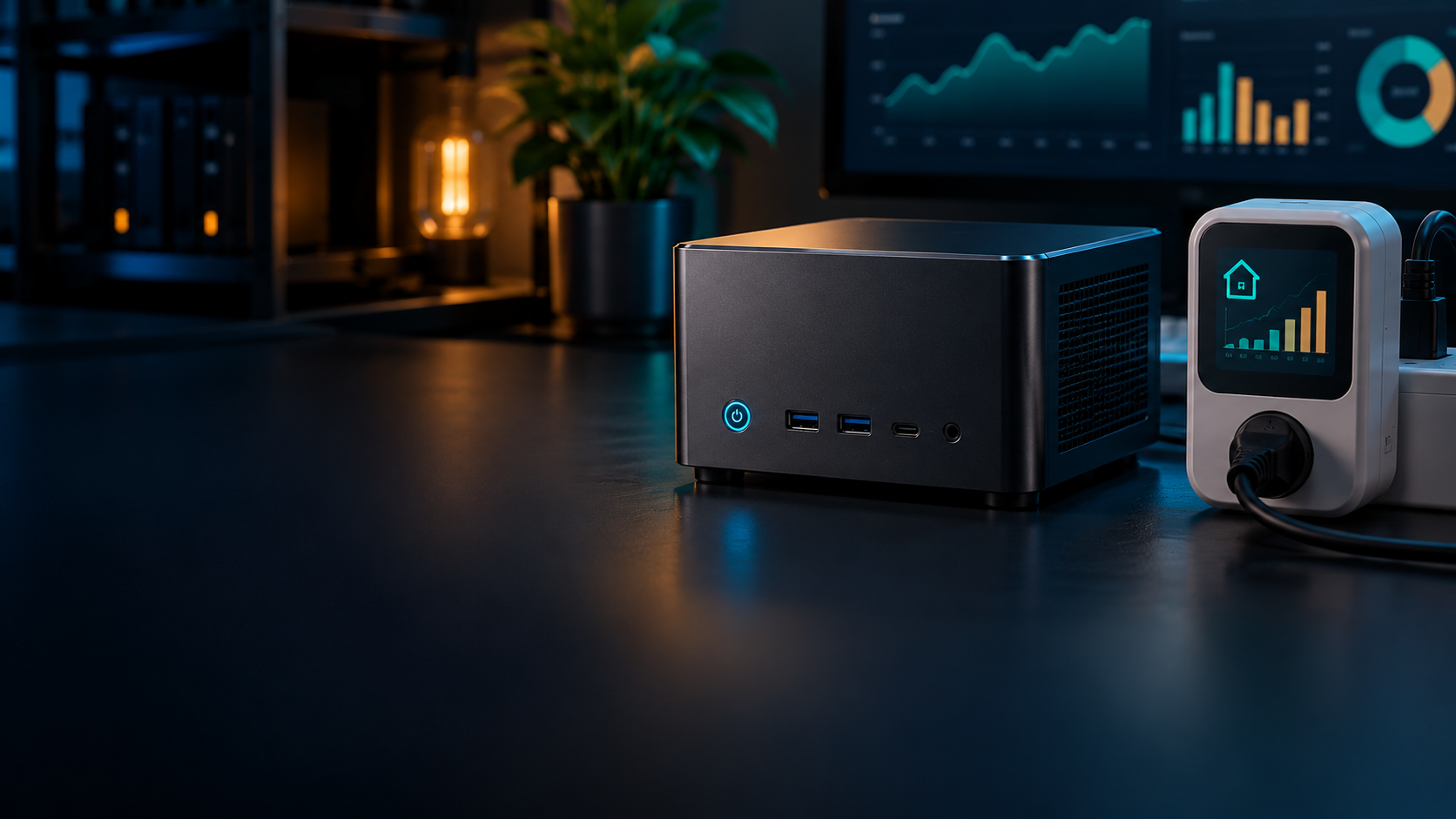
For a home server that runs all day, idle efficiency matters more than the processor’s advertised maximum power. Measure consumption at the wall, apply a realistic workload pattern, and calculate annual cost with your own electricity rate.
Use wall power, not processor TDP
The number on the CPU specification is not the server’s electricity draw.
Processor power limits describe part of the cooling and performance envelope. They omit memory, storage, network controllers, power-supply losses and attached USB devices. A mini PC with a modest CPU can still idle poorly if firmware power states are disabled or several drives remain active.
A plug-in energy meter provides the useful number. Let the system finish updates and background indexing, then record a stable idle reading and a representative loaded reading. For variable workloads, use the meter’s accumulated kilowatt-hours over several days instead of relying on a momentary display.
Idle power usually decides the annual bill
A server that idles 90 percent of the time should be optimized for idle before peak efficiency.
Home Assistant, DNS, file sync and light containers spend long periods waiting. A difference of five watts at idle is 43.8 kilowatt-hours per year. That can matter more than a 20-watt difference during a short weekly transcode.
Enable sensible CPU power states, allow disks to sleep only when the workload tolerates the wake delay, and remove unused adapters. Do not trade reliability for tiny savings: frequent hard-drive spin cycles, unstable undervolting or aggressive sleep settings can create more cost and maintenance than they save.
Calculate cost from a duty cycle
Annual energy equals average watts multiplied by 8.76, expressed in kilowatt-hours.
Estimate average power as idle watts times the idle share plus load watts times the load share. A system using 10 watts for 90 percent of the time and 35 watts for 10 percent averages 12.5 watts, or about 109.5 kWh per year. Multiply that by the full per-kWh rate on your electricity bill.
Include external storage, switches and UPS losses if they exist only for the server. Measuring the complete stack gives a better ownership comparison than measuring the mini PC alone. Display and keyboard power usually should not count because they are used only during maintenance.
Performance per watt is workload-specific
The lowest-power processor is not always the cheapest if it runs a task for much longer.
For bursty compilation, media conversion or backups, a faster processor may finish quickly and return to idle. For continuous tasks, sustained efficiency and cooling become more important. Hardware video encoding can use far less energy than software transcoding on the CPU.
Compare systems using the work you actually perform: idle watts for always-on services, joules or watt-hours per batch for scheduled work, and total platform power for storage-heavy workloads. Avoid claiming one processor is universally efficient from a single benchmark.
Set a sensible buying target
Prioritize low idle draw, an efficient power adapter and enough performance to avoid permanent high load.
Entry-level systems can be excellent for a few light services, while a higher-core model makes sense for several virtual machines or frequent media tasks. Dual network controllers and extra NVMe slots add capability but may raise idle consumption.
Before buying, decide whether expansion will be internal or external. Several USB drive enclosures can erase the mini PC’s platform advantage. Sometimes one slightly larger system with native storage bays is the more efficient complete server.
Example annual electricity scenarios
| Scenario | Idle / load | Duty cycle | Average | Annual energy |
|---|---|---|---|---|
| Light services | 8 W / 20 W | 95% / 5% | 8.6 W | 75 kWh |
| Mixed home server | 10 W / 35 W | 90% / 10% | 12.5 W | 110 kWh |
| Busy homelab | 18 W / 55 W | 70% / 30% | 29.1 W | 255 kWh |
| Media plus storage | 22 W / 65 W | 80% / 20% | 30.6 W | 268 kWh |
Measure before optimizing
- Measure at the wall for at least 24 hours.
- Record the electricity rate including delivery charges.
- Include dedicated switches, storage and UPS losses.
- Check BIOS and operating-system power settings.
- Measure again after every meaningful change.
Frequently asked questions
How many watts does a mini PC home server use?
Many configurations use roughly single-digit to a few dozen watts at idle, but storage, firmware and peripherals change the result. Measure the complete setup at the wall.
How much does 10 watts cost per year?
Ten watts running continuously uses 87.6 kWh per year. Multiply that by your local all-in electricity rate.
Should a home server sleep?
Usually not if it provides continuous services. Use component power states and scheduled tasks before putting the whole server to sleep.
Does a UPS increase power use?
Yes. Conversion and charging losses add overhead, although an efficient UPS can keep it modest. Include the UPS in wall measurements.
Is an N100 always the most efficient choice?
No. It is strong for light services, but a faster platform can be more efficient for work that would otherwise keep the N100 heavily loaded for long periods.