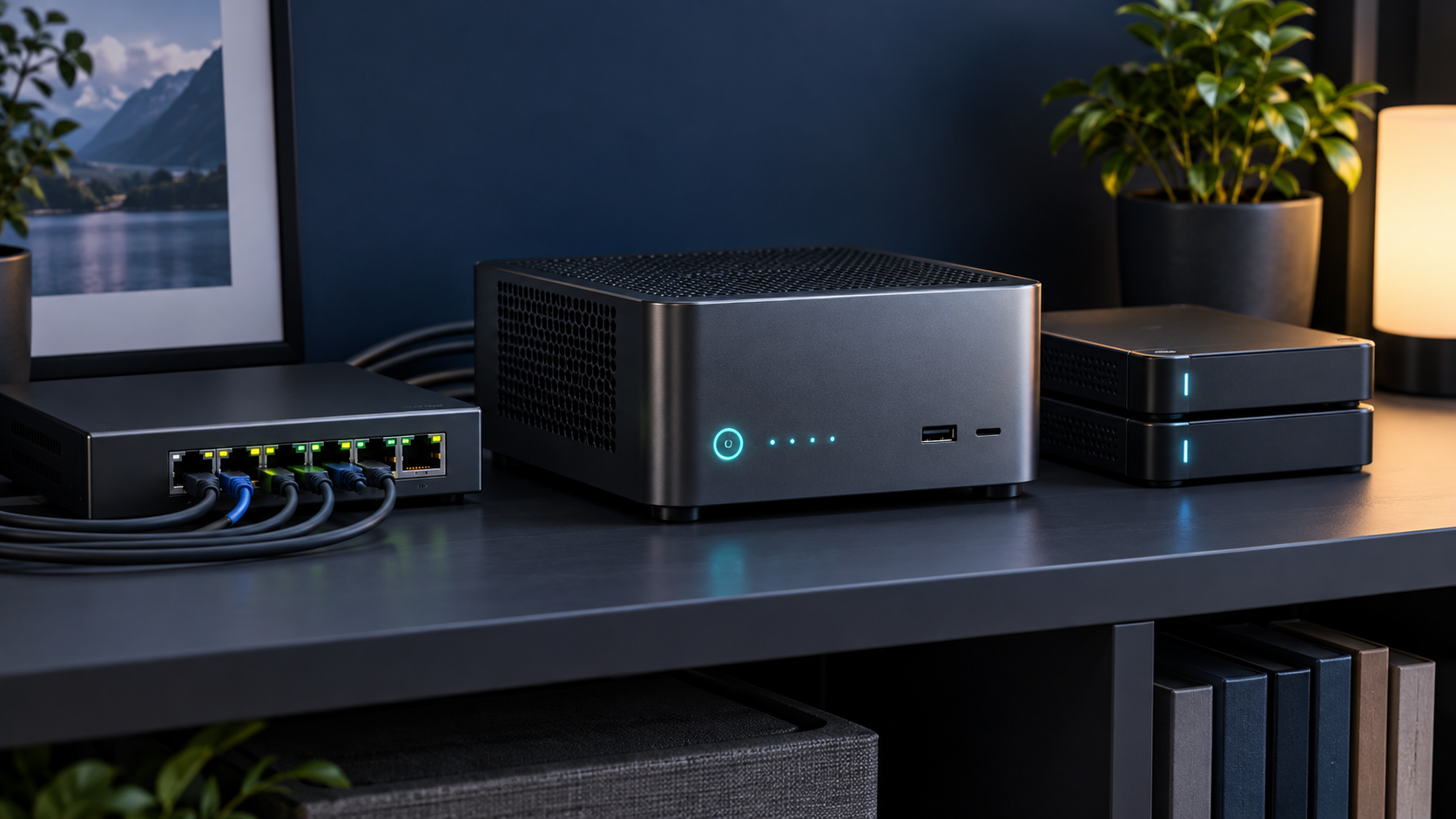
Answer first: A good Plex mini PC should direct-play most files and use a supported hardware video engine for the streams that must transcode. Intel Quick Sync is the simplest widely documented path, but codec support, Plex Pass requirements, subtitles and tone mapping must be checked for your exact setup.
Last reviewed: October 13, 2026. Mini PC Land has not hands-on tested every configuration discussed here. Recommendations are based on documented platform capabilities, official compatibility information and workload requirements. Confirm the exact model and configuration before buying.
← Explore all mini PC use cases · How we research
- Match capacity to the real workload.
- Verify the exact processor, ports and upgrade limits.
- Check software support before buying for acceleration.
- Keep backups and a recovery path.
Direct play changes the hardware requirement
When the client supports the video, audio, container and bandwidth, Plex can send the file without re-encoding it. That is the efficient goal. Transcoding becomes necessary for incompatible clients, remote bandwidth limits, subtitles or quality changes. Inventory your clients and common media formats before sizing the server.
Why hardware transcoding matters
Plex documents hardware-accelerated streaming for supported Intel Quick Sync, NVIDIA and other platform paths. Its hardware-acceleration guide also states the applicable Plex Pass and software requirements. Do not buy from the processor name alone: verify the generation, codec decode and encode abilities, operating system and Plex version.
Estimate simultaneous worst-case streams
Count the streams that may transcode at the same time, then identify their source and target formats. A 4K HDR conversion is far more demanding than a 1080p bitrate reduction. Subtitle formats can force video conversion. Leave room for library scans and other services instead of sizing to a single controlled demo.
Storage belongs in a separate decision
The Plex database and transcode directory benefit from SSD storage. Large media libraries usually belong on a NAS, direct-attached enclosure or another server. Confirm that the connection is stable after sleep and reboot. Keep a backup of the Plex database and metadata; RAID and redundant storage do not replace backups.
Network planning
Gigabit Ethernet is enough for many homes, but the total bitrate of simultaneous streams and large file transfers still matters. Prefer wired Ethernet for the server. Remote streaming depends on upload speed and may trigger conversion even when the home network can direct-play the source file.
A sensible shortlist
For a simple household, start with a recent efficient Intel platform with Quick Sync, replaceable memory and wired Ethernet. Choose a stronger processor or supported discrete GPU path only when your measured simultaneous transcodes require it. Avoid paying for CPU cores that will sit idle while storage or client compatibility remains the real bottleneck.
Compare this with the home-server guide and mini PC NAS decision guide.
Frequently asked questions
Does Plex require a powerful CPU?
Not when most clients direct-play. Software transcoding and demanding 4K conversions need much more CPU than direct streaming.
Is Intel Quick Sync required?
No, but it is a common and well-documented hardware-transcoding route. Other supported accelerators may work depending on operating system and configuration.
Does hardware transcoding require Plex Pass?
Plex currently lists hardware-accelerated streaming as a Plex Pass feature for ordinary server installations; verify current terms on Plex support.
Sources and update notes
This guide uses official documentation where a platform capability is stated. Compatibility changes, so follow the linked source and verify the current release before purchase or deployment.