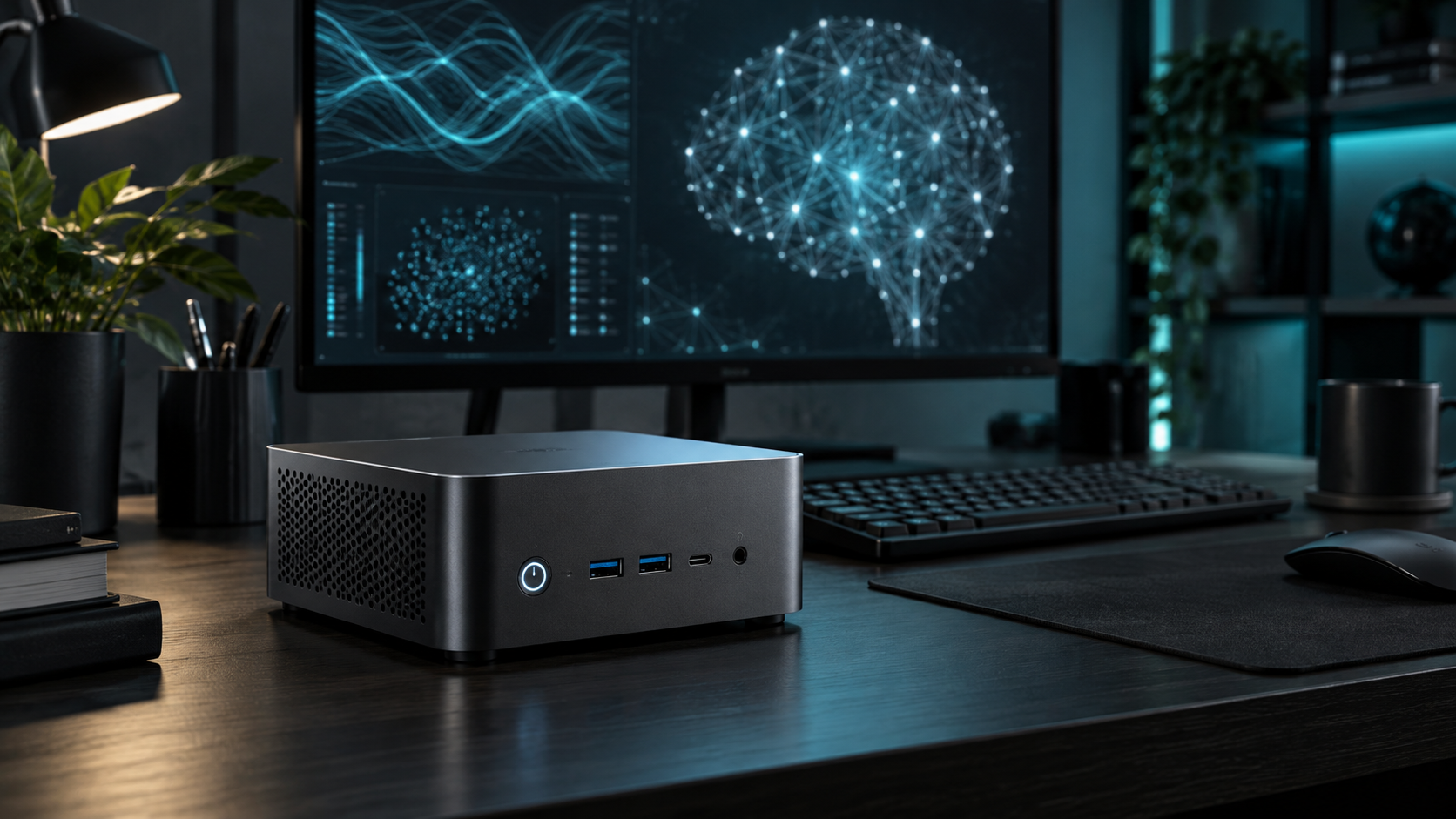
Answer first: The best mini PC for local AI is the smallest system that can hold your target model in usable memory and run it through a supported backend. Start with model size, context length and software compatibility; only then compare CPU, GPU, NPU and brand.
Last reviewed: October 13, 2026. Mini PC Land has not hands-on tested every configuration discussed here. Recommendations are based on documented platform capabilities, official compatibility information and workload requirements. Confirm the exact model and configuration before buying.
← Explore all mini PC use cases · How we research
- Match capacity to the real workload.
- Verify the exact processor, ports and upgrade limits.
- Check software support before buying for acceleration.
- Keep backups and a recovery path.
Define the workload precisely
“Local AI” can mean a small chat model, embeddings, speech recognition, image generation or model training. These use different runtimes and accelerators. Write down the application, model family, quantization, context length and number of concurrent users. A machine that is excellent for one may not support another.
Memory capacity is the first filter
Model weights must fit somewhere, and runtime overhead plus the key-value cache consumes additional memory. Integrated graphics share system memory; discrete GPUs use VRAM; Apple silicon uses unified memory. Advertised memory capacity is not the same as memory available to the runtime, so leave headroom for the operating system and application.
Software support beats theoretical TOPS
The llama.cpp project documents backends including CUDA, HIP, Metal, Vulkan and SYCL, as well as CPU-plus-GPU hybrid inference. That breadth does not mean every device performs equally or supports every operation. Confirm your chosen application exposes the backend and device you intend to use.
Integrated, discrete and unified memory
A modern iGPU can be useful for smaller models when the runtime supports it and system memory bandwidth is adequate. A discrete NVIDIA GPU offers a mature CUDA path but VRAM is fixed. AMD acceleration depends on the exact GPU, operating system and runtime; check the current compatibility matrix. Apple silicon offers unified memory and a strong Metal ecosystem but limited hardware upgradeability.
Cooling and sustained performance
Inference can keep memory and compute units busy for minutes or hours. Small systems may reduce clocks after heat builds. Prefer a design with adequate ventilation and realistic sustained-power reviews. Avoid assuming that a high short-duration benchmark guarantees steady token generation.
A buying sequence
First choose the software and a representative model. Second estimate memory including context and overhead. Third identify officially or actively supported accelerators. Fourth compare measured sustained performance from credible reviewers. Finally assess noise, ports, warranty and return policy.
Continue with RAM sizing, accelerator choices, and mini PC versus desktop.
Frequently asked questions
How much RAM do I need for local AI?
It depends on model size, quantization and context. For general experimentation, 32 GB offers more flexibility than 16 GB, while larger models may need substantially more.
Is an NPU enough for local LLMs?
Not automatically. The application must support the NPU, and memory capacity and model compatibility still apply.
Can an iGPU run local AI?
Yes with supported backends and suitable models, but shared memory bandwidth and software maturity affect performance.
Sources and update notes
This guide uses official documentation where a platform capability is stated. Compatibility changes, so follow the linked source and verify the current release before purchase or deployment.