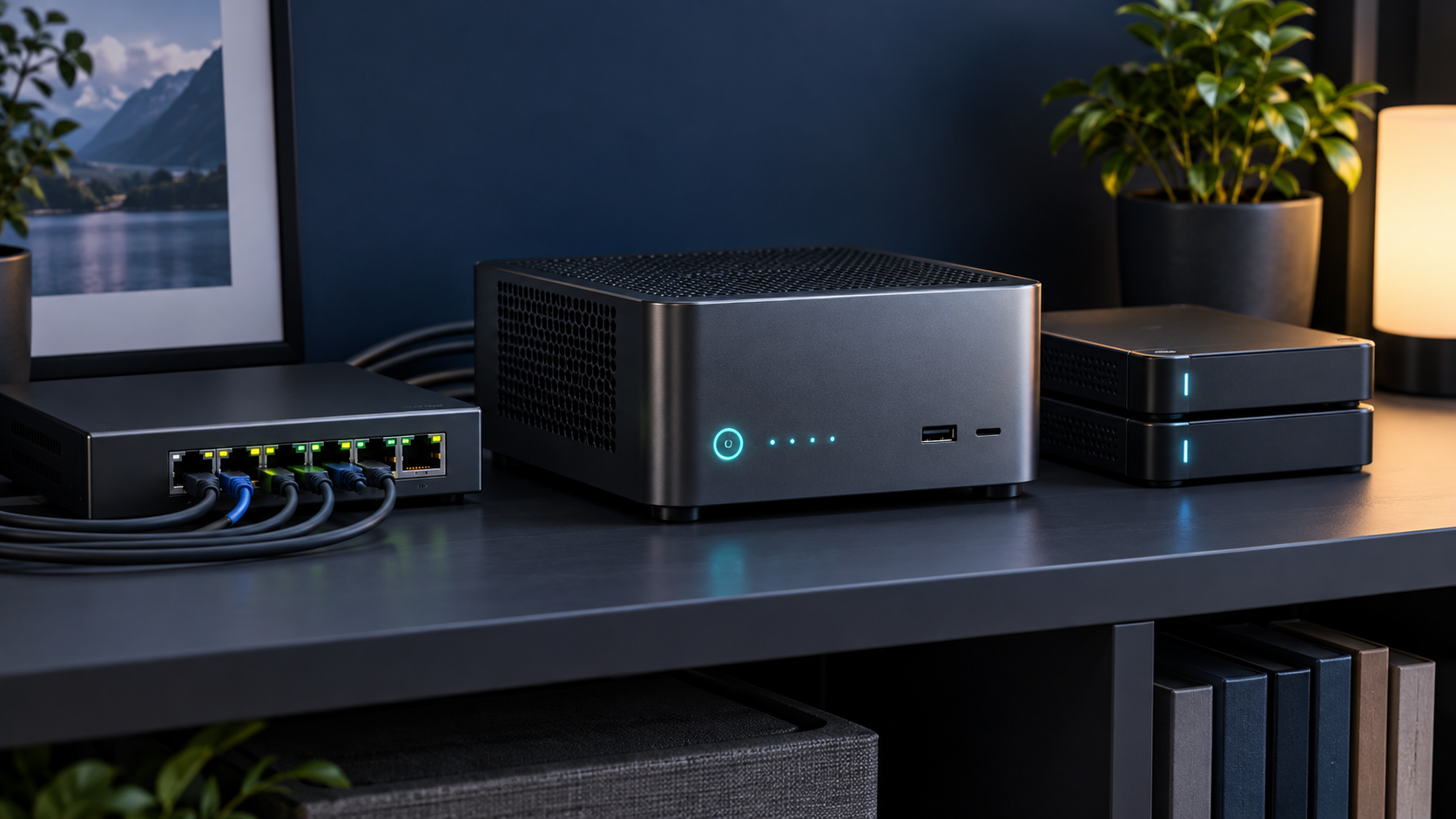
Answer first: A mini PC works well as a NAS controller for modest capacity, backups and media when you accept external storage and test every failure mode. It is a poor fit when you need many hot-swappable drives, clean cabling, direct SATA access or easy recovery after enclosure failure.
Last reviewed: October 13, 2026. Mini PC Land has not hands-on tested every configuration discussed here. Recommendations are based on documented platform capabilities, official compatibility information and workload requirements. Confirm the exact model and configuration before buying.
← Explore all mini PC use cases · How we research
- Match capacity to the real workload.
- Verify the exact processor, ports and upgrade limits.
- Check software support before buying for acceleration.
- Keep backups and a recovery path.
The attractive part
Mini PCs are compact, efficient and powerful enough for file sharing, containers and media services. Reusing one can be economical. The computer and storage can also be upgraded separately. For two or three replaceable backup disks in a home environment, that flexibility may be completely reasonable.
The enclosure becomes part of the system
With USB or Thunderbolt storage, the bridge controller, power supply, cable and enclosure firmware all sit between the operating system and disks. Drive identifiers, SMART data, error reporting and recovery behavior can vary. Test cold boots, cable removal, a failed disk and an unexpected power loss before trusting the design.
Avoid confusing redundancy with backup
A mirror can keep service running after one disk fails; it cannot undo accidental deletion, malware or enclosure failure. Maintain a separate backup with at least one copy that is not continuously writable from the server. Practice restoring files and the system configuration.
Filesystem and memory choices
ZFS provides checksums and useful management features but wants direct, predictable disk access and adequate memory. Simpler filesystems may be easier for a small removable setup. Choose the design from the recovery procedure backward: identify how a disk can be read if the mini PC, enclosure or operating system dies.
Networking and workload consolidation
A 2.5 GbE port can improve large sequential transfers when disks and clients keep up. Running VMs, Plex and backups on the same small box is convenient, but increases blast radius. Reserve resources and avoid making every household service depend on one power adapter and one cooling fan.
Choose a purpose-built NAS when
Choose dedicated storage hardware when you need four or more internal drives, hot-swap bays, straightforward disk replacement, vendor-supported drive management or business continuity. A mini PC is best treated as a flexible compute node that can serve storage—not automatically as a complete NAS appliance.
Read Best Mini PCs for a Home Server and the existing hands-on planning guide.
Frequently asked questions
Is USB storage safe for a NAS?
It can be acceptable for noncritical home use after testing, but the bridge, cable and separate power supply create additional failure points.
Can I run ZFS over USB?
It may work, but direct disk access and stable identifiers matter. Confirm enclosure behavior and keep independent backups.
Do I need 2.5 GbE?
No. Gigabit is sufficient for many households. Choose 2.5 GbE when clients, switches and storage can benefit from higher throughput.
Sources and update notes
This guide uses official documentation where a platform capability is stated. Compatibility changes, so follow the linked source and verify the current release before purchase or deployment.