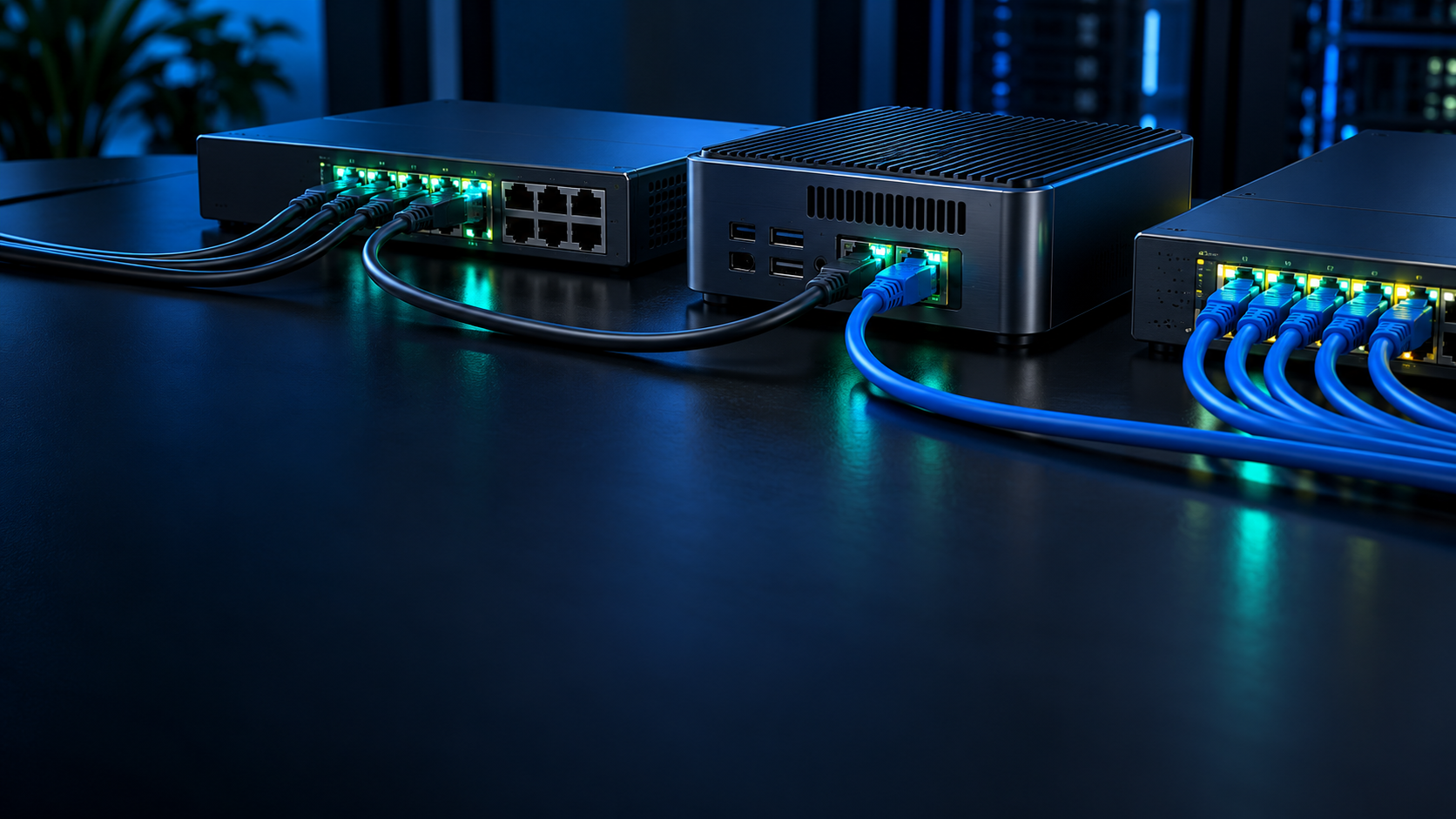
Choose 2.5GbE for most compact home servers. Move to 10GbE only when fast storage and repeated large transfers can use it, and when the mini PC, switch, cabling and client are all ready for the higher link rate.
2.5GbE is the practical default
It reuses common cabling, runs cooler and is already faster than a single hard drive.
A 2.5GbE link has a theoretical ceiling around 312 MB/s before protocol overhead. Real file transfers are lower, but still comfortably above gigabit Ethernet. That is enough for backups, multiple media streams, general NAS access and most self-hosted services.
Many current mini PCs include one or two 2.5GbE ports, so no adapter is required. Affordable unmanaged switches and existing Cat5e runs often work at full rate over normal home distances. The lower heat and power demand also suit small enclosures.
10GbE is for storage that can sustain it
A 10GbE link helps when the complete path can repeatedly exceed roughly 250 MB/s.
Fast NVMe storage, a capable ZFS pool or several simultaneous clients can make 10GbE worthwhile. It is most noticeable for large media projects, VM images and workstation backups. Small files, web apps and internet traffic rarely improve because latency, metadata and application processing dominate.
One fast device is not enough. The server bus, storage pool, switch uplink, client adapter and destination disk must all keep pace. A cheap USB adapter attached through a shared controller can become the bottleneck long before the network link.
Copper 10GbE adds heat and cost
10GBASE-T is convenient but draws more power than 2.5GbE or short SFP+ links.
Small fanless switches and compact adapters can become hot under sustained transfers. Check cooling and chipset support, especially for USB4 or Thunderbolt adapters. Native PCIe or OCuLink networking may be more stable but reduces the expansion options available for storage or a GPU.
SFP+ direct-attach cables are efficient for short equipment-rack connections, but they are less convenient around a house. Fiber handles distance and electrical isolation well, while adding transceivers and installation complexity. Choose the medium as part of the system, not after buying the mini PC.
Two ports do not automatically mean faster transfers
Link aggregation improves concurrency and resilience more often than one client’s speed.
A dual-2.5GbE mini PC can serve several clients across two links, act as a router or separate storage and management networks. A single ordinary SMB transfer usually remains on one link unless the operating systems and protocol use multichannel connections.
Do not combine ports merely because they are available. Define whether the goal is failover, routing, isolation or aggregate throughput, then configure the switch and host consistently. Incorrect bonding can create unstable connectivity that is harder to diagnose than a single reliable link.
Test the network before blaming storage
Use a memory-to-memory network test first, then test the actual file path.
A tool such as iperf3 isolates network throughput from disk performance. Run multiple streams in both directions and watch CPU use, errors and temperatures. Then copy a large file from storage and compare the result. The gap shows whether disks, encryption, protocol settings or the network is limiting performance.
For a new build, start at 2.5GbE unless a known workflow needs more. Upgrade to 10GbE after measurements show that the link is saturated regularly, not because the larger number appears more future-proof.
2.5GbE and 10GbE decision table
| Factor | 2.5GbE | 10GbE |
|---|---|---|
| Best fit | General home server and NAS | Large NVMe transfers and many fast clients |
| Typical cabling | Cat5e often works | Cat6/Cat6a or SFP+ preferred |
| Heat and power | Lower | Higher, especially 10GBASE-T |
| Theoretical rate | 2.5 Gbit/s | 10 Gbit/s |
| Upgrade cost | Low | Switches and adapters cost more |
Frequently asked questions
Is 2.5GbE fast enough for Plex?
Yes. Even high-bitrate media streams use only a fraction of a 2.5GbE link. Transcoding capability and storage reliability matter more.
Can Cat5e run 10GbE?
It may work over short, clean runs, but it is not the dependable default. Use cabling rated for the planned distance and installation.
Can USB4 provide 10GbE?
A supported USB4 or Thunderbolt adapter can, but controller sharing, drivers and thermals affect sustained performance.
Is dual 2.5GbE equal to 5GbE?
Not for a normal single transfer. Bonding can increase total throughput across clients, while each flow often remains limited to one link.
Does 10GbE make internet faster?
Only if the internet connection and every device in the path exceed 2.5GbE. It mainly benefits local transfers.