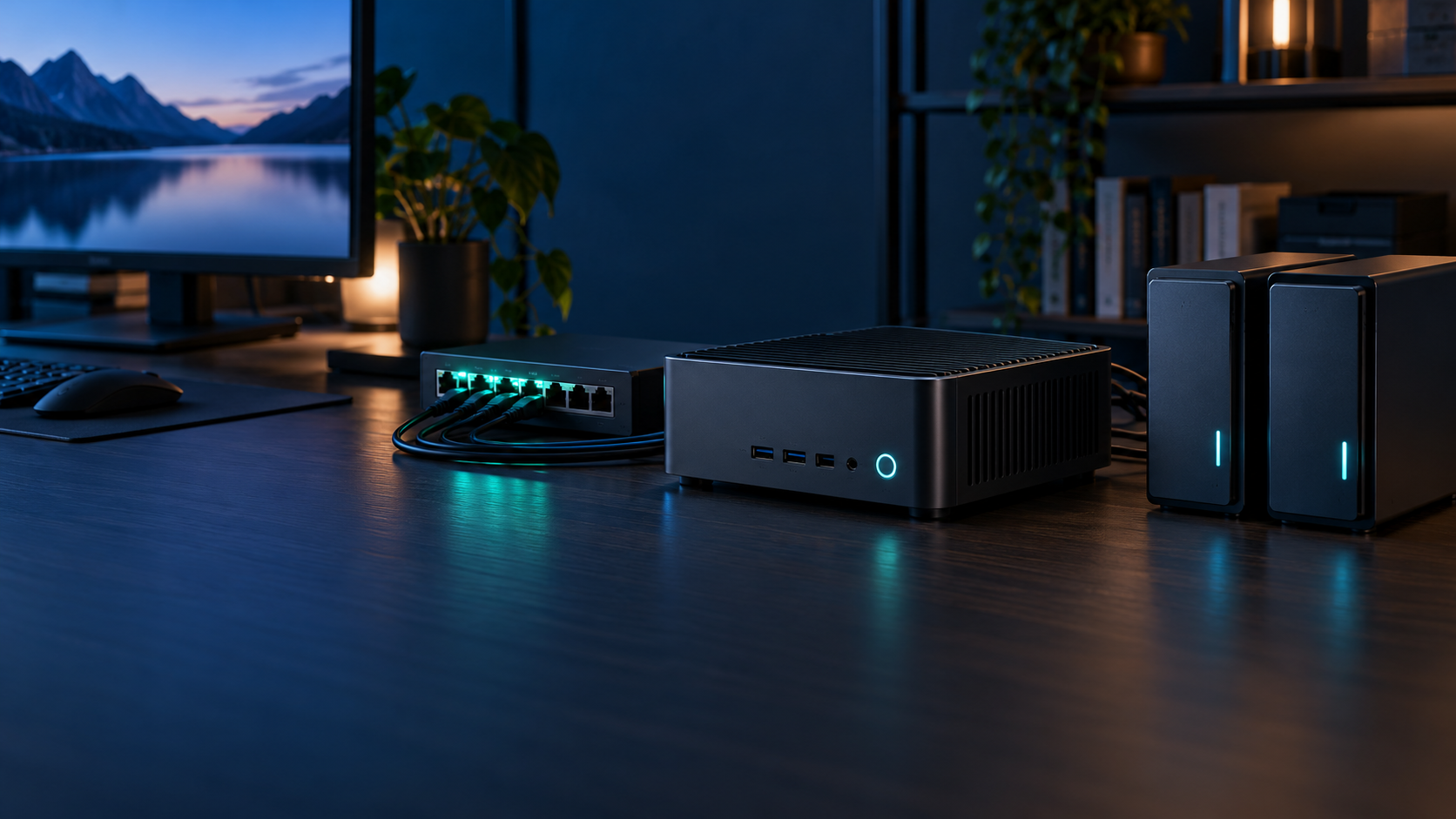
A mini PC is a strong home server when the workload fits its memory, storage and expansion limits. Start with services and recovery needs, then choose hardware; buying the box first usually creates the wrong compromises.
Choose the workload before the processor
Light services, media, storage and virtual machines stress different parts of a mini PC.
DNS, dashboards and home automation need reliability more than peak speed. Plex may depend on a supported hardware media engine. A NAS needs a credible storage path, while a virtualization host needs memory capacity and predictable networking. Write down the always-on services, peak simultaneous users and growth plan before comparing models.
- Mini PC NAS: When It Works and When It Does Not
- Mini PC for Plex: Transcoding, Storage and Network Guide
- Mini PC for Proxmox: What Hardware Actually Matters
- Best Mini PCs for a Home Server: A Workload-First Buying Guide
- Implementing RAID Storage Arrays in Small Spaces Safely
- Smart Home Automation Edge Hubs: Moving Beyond the Cloud
- Deploying Kubernetes Edge Clusters with Low-Cost Mini Nodes
- Choosing the Right Mini PC Linux Server Distributions
- Designing the Perfect Homelab Micro-Server Architecture
- How to Build a Powerful Mini PC Network Attached Storage (NAS)
- Setting Up a Proxmox VE Virtualization Lab on a Budget
- Mini PC Home Server Power Consumption: Idle and Load Costs
- 2.5GbE vs 10GbE for a Mini PC Home Server
- Docker vs Proxmox on a Mini PC: Choose by Workload
- Mini PC Home Server Backup Plan: 3-2-1 Without Guesswork
Memory capacity sets the virtualization ceiling
Buy for the number of active guests and leave room for the host and file-system cache.
Containers share a kernel and can be efficient, while full virtual machines reserve resources for separate operating systems. Two memory slots and replaceable modules preserve an upgrade path. Soldered memory can be acceptable for a fixed appliance, but it is a poor fit for a homelab expected to expand.
Storage topology matters more than headline capacity
Confirm interfaces, lanes, cooling and recovery before selecting drives.
One NVMe drive is simple but leaves limited separation between the operating system and data. A second slot can help with workloads or local redundancy, although redundancy is not a backup. USB storage can be useful when the enclosure, bridge chipset and power arrangement are reliable. Storage-heavy plans may be better served by a real NAS connected over the network.
Networking should match the storage path
2.5GbE is the default; 10GbE is justified by sustained fast local transfers.
Dual ports can separate traffic, provide failover or support routing, but they do not automatically double a single transfer. Test network throughput independently from disk throughput. Upgrade the switch, client and cabling as one system only after measurements show the current link is the bottleneck.
Power and thermals decide always-on reliability
Measure the complete server at the wall and optimize idle behavior first.
Small systems can be efficient, but several SSDs, USB enclosures and network adapters add heat and power. Keep vents clear, avoid enclosing the mini PC with hot drives, and monitor temperatures during sustained work. For an always-on server, quiet predictable cooling is usually safer than chasing fanless operation.
Design recovery before installing services
A tested restore plan is part of the server, not a later accessory.
Keep configuration and deployment files, back up databases consistently, and store at least one independent copy away from the mini PC. Snapshots speed up rollback but do not replace backups. Test restoring a service on clean storage so documentation, credentials and encryption keys are proven before an emergency.
Home server guides
- Mini PC Home Server Power Consumption: Idle and Load Costs
- 2.5GbE vs 10GbE for a Mini PC Home Server
- Docker vs Proxmox on a Mini PC: Choose by Workload
- Mini PC Home Server Backup Plan: 3-2-1 Without Guesswork
A sensible first build
For most beginners, use replaceable memory, a primary NVMe SSD, 2.5GbE and a separate backup destination.
Install a stable Linux distribution with Docker when the goal is a small set of services. Choose Proxmox when multiple operating systems, snapshots and lab isolation are explicit requirements. Expand only after measuring memory pressure, storage latency, network saturation and wall power.
Frequently asked questions
Is a mini PC good for a home server?
Yes, for light services, media, automation and modest virtualization when its storage and expansion limits match the workload.
How much RAM does a home server need?
Light containers can start with 8–16 GB, while several virtual machines often justify 32 GB or more. Capacity should follow active workloads.
Should I use Docker or Proxmox?
Use Docker on Linux for a straightforward application host. Use Proxmox when you need multiple operating systems, stronger isolation or a homelab.
Is 2.5GbE enough?
It is enough for most homes and already faster than a single hard drive. Choose 10GbE for repeated high-speed transfers backed by fast storage.
Does RAID replace backup?
No. RAID improves availability after some drive failures but does not protect against deletion, corruption, theft or site damage.
How much power does a mini PC server use?
It varies with hardware and peripherals. Measure at the wall over several days and calculate cost from average watts and your local rate.