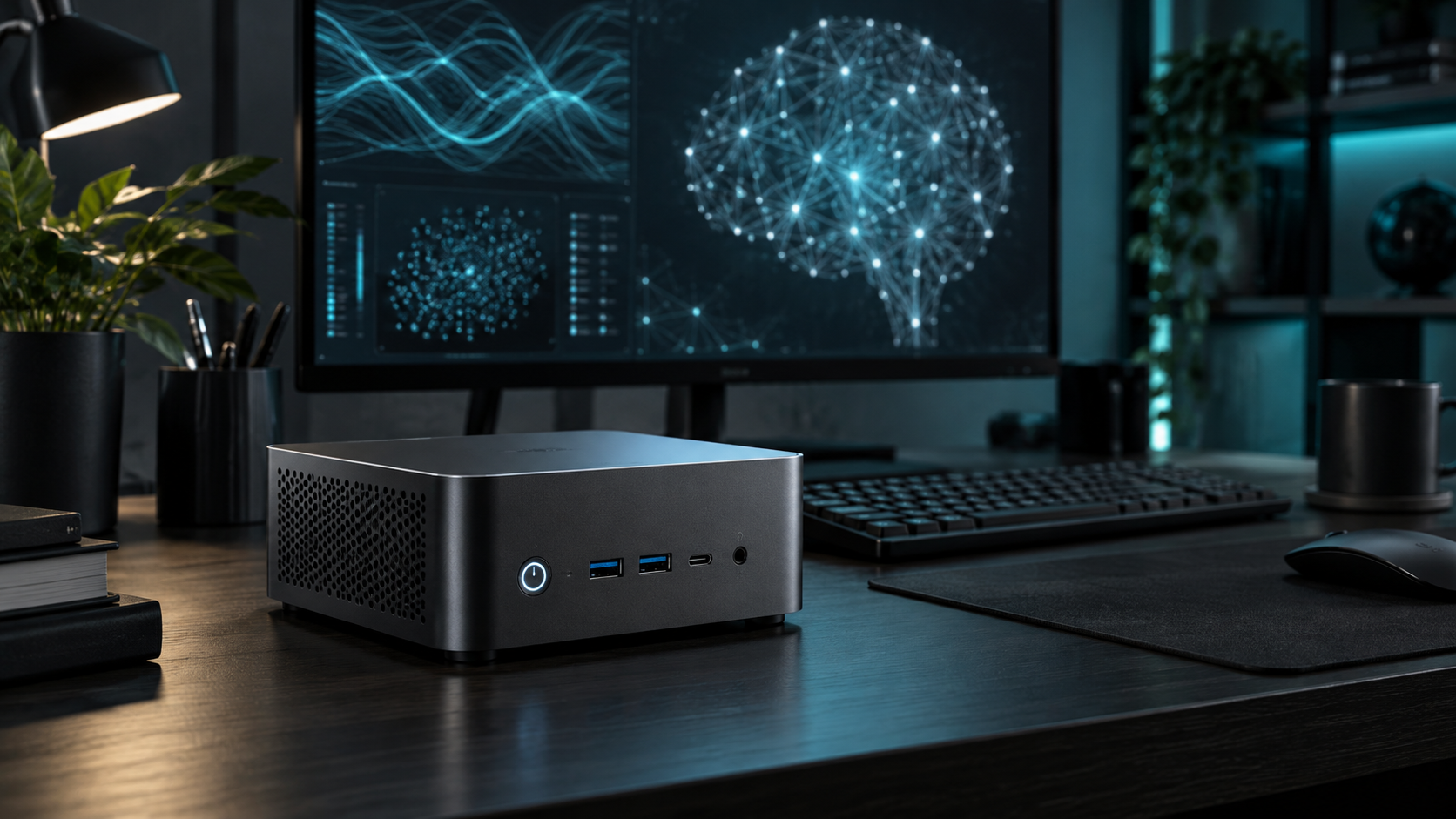
Answer first: Choose a mini PC for compact, quiet experimentation with known model limits. Choose a desktop when you need a large discrete GPU, sustained training, expansion or an easy path to more cooling and power. The software and memory requirement should decide before form factor.
Last reviewed: October 13, 2026. Mini PC Land has not hands-on tested every configuration discussed here. Recommendations are based on documented platform capabilities, official compatibility information and workload requirements. Confirm the exact model and configuration before buying.
← Explore all mini PC use cases · How we research
- Match capacity to the real workload.
- Verify the exact processor, ports and upgrade limits.
- Check software support before buying for acceleration.
- Keep backups and a recovery path.
Where a mini PC wins
Mini PCs use little desk space and can be efficient for always-on inference, embeddings, speech tools and smaller quantized language models. Integrated or unified memory can make moderate-capacity systems convenient. A complete prebuilt box also avoids component selection and assembly.
Where a desktop wins
A desktop accepts full-size GPUs, larger power supplies, more storage and stronger cooling. Parts can be replaced independently, and PCIe bandwidth is not routed through an external link. This matters for high-power inference, training and users who expect their model requirement to grow.
Memory comparison
Upgradeable x86 mini PCs commonly use SODIMMs and shared memory for an iGPU. Apple silicon uses unified memory but is purchased at a fixed capacity. Desktop GPUs have dedicated VRAM, and the host can have separate system memory. Decide whether your workload needs capacity, bandwidth, or both.
Software compatibility
A desktop with an NVIDIA GPU offers a broadly used CUDA path. AMD support depends on the exact GPU and software matrix. Apple silicon benefits from Metal-optimized tools. Intel GPUs and NPUs use their supported frameworks. The form factor does not determine compatibility; the device, driver, operating system and runtime do.
Total cost is more than the box
Include memory and storage upgrades, eGPU enclosure, GPU, power supply, adapters and return risk. A mini PC plus external GPU can cost more than a desktop with the same GPU while delivering less expansion. Conversely, a mini PC that meets the requirement without add-ons may be cheaper to run and easier to place.
A simple decision rule
Buy the mini PC if your target models fit with margin, your runtime supports the available accelerator and credible sustained tests meet your latency goal. Buy the desktop when any of those answers is uncertain and expansion matters. If portability matters, compare a laptop as a third category rather than forcing a desktop-versus-mini choice.
Start with the local AI buying guide and calculate RAM for local LLMs.
Frequently asked questions
Can a mini PC train AI models?
It can handle small experiments and fine-tuning methods within its memory and cooling limits, but desktops are usually more suitable for sustained GPU-heavy training.
Is a mini PC cheaper to run?
Often at low loads, but measure the whole system. A high-power eGPU can erase much of the difference.
Should I buy an eGPU later?
Only if the mini PC has a suitable interface and the total enclosure-plus-GPU cost makes sense versus replacing the system or buying a desktop.
Sources and update notes
This guide uses official documentation where a platform capability is stated. Compatibility changes, so follow the linked source and verify the current release before purchase or deployment.