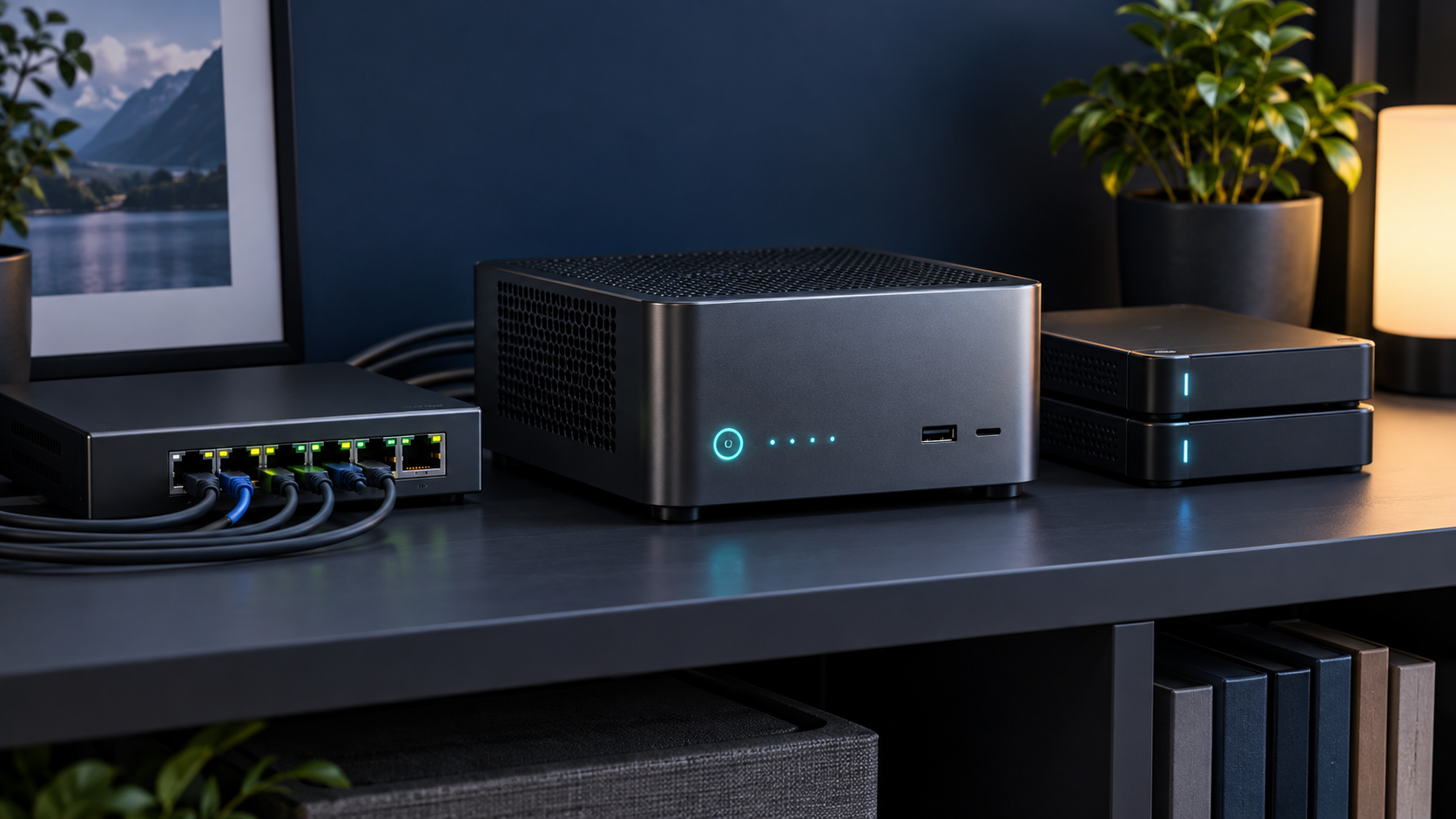
Answer first: The best home-server mini PC is the one with enough memory, storage connections and network bandwidth for your actual services—not necessarily the fastest CPU. For most first servers, prioritize replaceable RAM, two storage options, wired Ethernet and a processor with virtualization support.
Last reviewed: October 13, 2026. Mini PC Land has not hands-on tested every configuration discussed here. Recommendations are based on documented platform capabilities, official compatibility information and workload requirements. Confirm the exact model and configuration before buying.
← Explore all mini PC use cases · How we research
- Match capacity to the real workload.
- Verify the exact processor, ports and upgrade limits.
- Check software support before buying for acceleration.
- Keep backups and a recovery path.
Start with the services, not the processor
A light Home Assistant, DNS and file-sharing box has very different needs from a host running several virtual machines, databases and media transcodes. List the services, decide which must be virtual machines and which can be containers, then reserve capacity for growth. A four-core system can feel excellent for small always-on services, while a higher-core CPU cannot rescue a machine limited to soldered memory or one drive.
A practical hardware baseline
For a flexible first server, look for 16 GB of replaceable memory with a path to 32 GB or more, one NVMe slot for the operating system, a second internal storage path, and at least 1 GbE. Choose 2.5 GbE when large local transfers, multiple clients or NAS duties matter. Two physical network ports are useful for routing labs and separation, but they are not automatically required for ordinary hosting.
Virtualization and memory planning
Confirm Intel VT-x/VT-d or AMD-V/IOMMU support when you plan to virtualize or pass hardware through. The Proxmox VE administration guide lists 2 GB for the host and services before guest memory, and notes additional memory for ZFS and Ceph. Treat that as a floor, not a buying target. Add the peak allocation of your guests, filesystem overhead and a safety margin.
Storage and data safety
Mini PCs are space-efficient compute nodes, but most are not complete storage appliances. One or two internal drives do not provide the serviceability of a multi-bay NAS. Keep irreplaceable data on a system with a tested backup plan. An external USB enclosure may suit replaceable media, but it adds cables, bridge chips and power dependencies that should be tested before you trust it.
Thermals, noise and idle power
A server runs for long periods, so sustained cooling and idle behavior matter more than a short benchmark. Leave clearance around the intake and exhaust, avoid sealing the computer inside a cabinet and monitor drive and CPU temperatures after deployment. Fanless designs remove fan noise but may throttle under continuous load; active cooling is usually safer for dense virtualization.
Who should buy what
Choose an efficient entry-level system for DNS, Home Assistant and a few containers; a memory-expandable midrange system for Proxmox and several VMs; an Intel system with supported media engines when Plex transcoding is central; and a separate NAS or storage chassis when drive count and recovery are the main requirements.
Next: plan a Proxmox host, size a Plex server, or decide whether a mini PC NAS fits.
Frequently asked questions
Is 8 GB enough for a home server?
It can be enough for a few lightweight services, but 16 GB provides a more useful starting point for virtualization and caching.
Do I need two Ethernet ports?
No. A single port is enough for many servers. Dual ports help with routing labs, dedicated storage traffic or redundancy designs.
Should I use a mini PC as a NAS?
It can work for modest storage, but limited internal drive bays and external-enclosure dependencies make it less suitable for large or critical arrays.
Sources and update notes
This guide uses official documentation where a platform capability is stated. Compatibility changes, so follow the linked source and verify the current release before purchase or deployment.