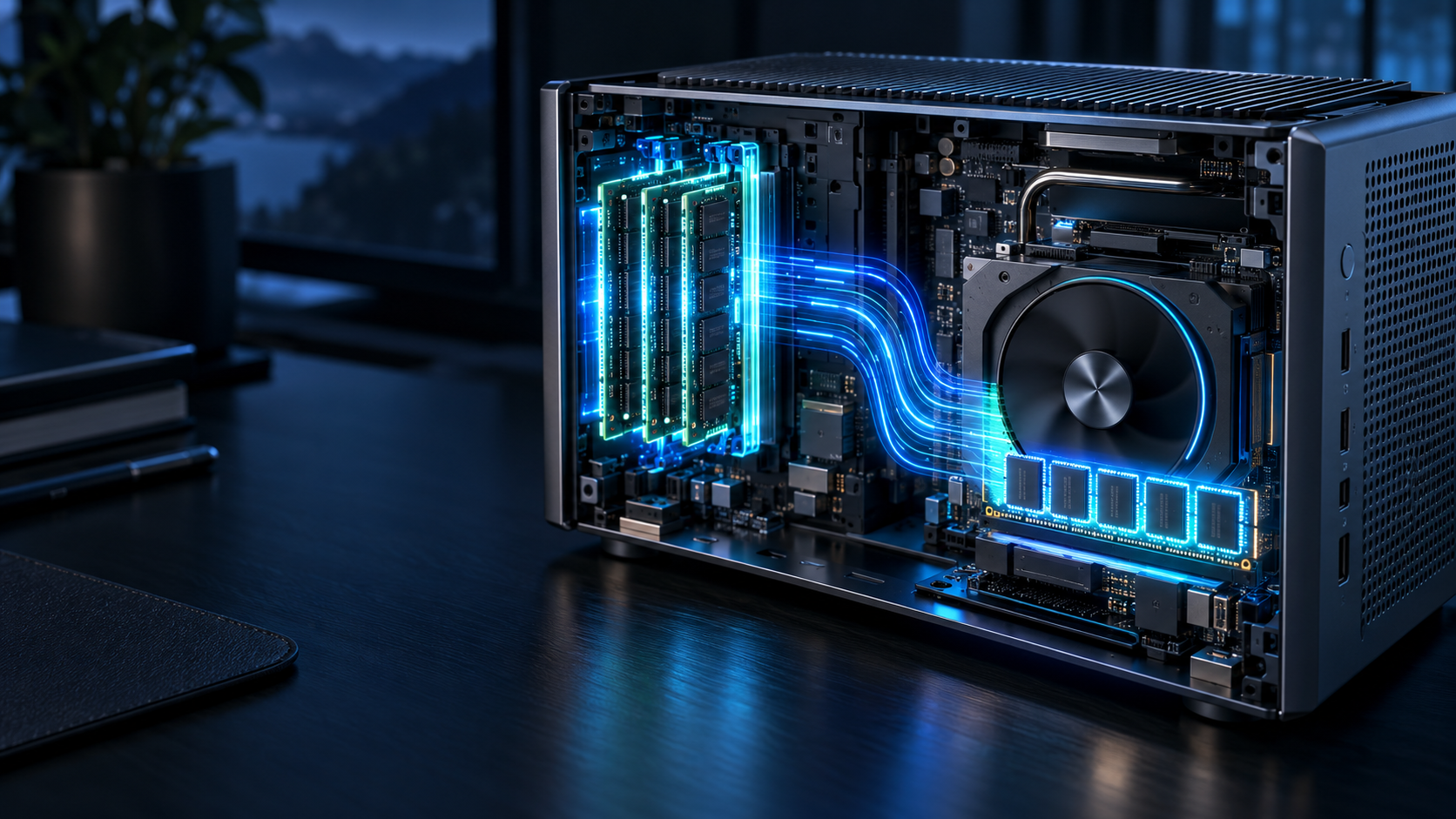
Answer first: On most mini PCs, an integrated GPU does not have a large independent VRAM pool; it borrows system RAM. That can expand usable capacity, but the CPU, GPU and operating system compete for the same memory and bandwidth.
Last reviewed: October 14, 2026. Hardware support changes quickly; verify the exact processor, memory configuration, operating system and runtime before buying.
← Local AI on Mini PCs · How we research
- Shared memory is capacity, not a promise of discrete-GPU performance.
- Leave headroom for the operating system, context cache and application stack.
- Check that your runtime supports the exact GPU backend before counting shared RAM as useful acceleration memory.
VRAM and system RAM solve different bottlenecks
Discrete GPUs keep model data in dedicated video memory connected through a high-bandwidth interface. An integrated GPU uses system memory through the processor package. Both can hold model weights, but their bandwidth, driver path and allocation rules differ. A machine showing a large “shared GPU memory” value is not equivalent to a discrete GPU with the same number printed as VRAM.
Shared memory helps capacity more than throughput
Integrated graphics can access a meaningful portion of installed RAM, which is useful when a model is too large for a small fixed VRAM pool. The tradeoff is contention: the CPU, GPU, operating system and applications share memory channels. Dual-channel or higher-bandwidth configurations matter. A single memory module can reduce real inference performance even when total capacity looks sufficient.
Reserve memory for everything around the model
Model file size is only the beginning. The runtime needs working buffers; longer context needs a larger key-value cache; retrieval tools and web interfaces consume their own memory; and the operating system must remain responsive. As a planning rule, avoid designing a workload that uses nearly all installed memory at model load. The closer the system operates to its limit, the more likely it is to swap or fail under longer prompts.
A BIOS allocation does not create bandwidth
Some firmware exposes a setting for pre-allocated graphics memory. Increasing it may help applications that check for a minimum allocation, but it does not increase physical RAM or memory bandwidth. An excessively large fixed allocation can also reduce memory available to the operating system. Change the setting only when the runtime or application documents a reason.
Software support decides whether the iGPU matters
A capable integrated GPU may still sit idle if the application does not support its API, driver or operating system combination. Check the current backend documentation for llama.cpp, Ollama and any front end you plan to use. Confirm device utilization during a real prompt. Never infer acceleration from the fact that a GPU appears in Device Manager.
Unified memory is related but not identical
Unified-memory architectures let CPU and GPU access a common pool without the same copying pattern as a conventional discrete design. This can make large-capacity configurations attractive for local models. The performance still depends on memory bandwidth, software optimization and thermal limits. “Unified” describes the architecture, not an unlimited resource.
Choose capacity and speed separately
First ask whether the workload fits. Then ask how fast it runs. A 32 GB mini PC may hold a model that a low-VRAM discrete GPU cannot, yet the discrete GPU may be much faster on a smaller model. The correct comparison uses the same model, quantization, context and prompt—not headline TOPS or VRAM alone.
| Memory design | Capacity behavior | Main advantage | Main limitation |
|---|---|---|---|
| Integrated GPU with shared RAM | Borrows system memory | Flexible capacity in a small chassis | Shared bandwidth and backend variability |
| Discrete GPU | Fixed dedicated VRAM | High bandwidth and mature acceleration on supported stacks | Model must fit VRAM or use slower partial offload |
| Unified-memory system | Common CPU/GPU pool | Large models may fit without copying between pools | Fixed at purchase on many systems; platform-specific software |
How to test shared-memory behavior
Use a controlled test rather than relying on the maximum shared-memory figure shown by the operating system. Start from a clean boot, close browsers and launch the intended runtime with one fixed model. Record system memory before loading, after loading and during the longest prompt. Then check whether the GPU engine is active and whether committed memory continues to climb across repeated turns.
Repeat the test after changing only one variable: context length, GPU offload, model quantization or memory-channel configuration. If several variables change together, the result cannot explain the bottleneck. A useful comparison records time to first token, sustained throughput, peak committed memory and any disk activity caused by paging.
Also test recovery. Stop the model and confirm memory returns to a normal baseline. Put the mini PC through a sleep or reboot cycle and confirm the firmware allocation has not created an operating-system shortage. The goal is not to maximize the amount labeled as VRAM; it is to find a configuration that keeps the model, context and desktop responsive without sustained swapping.
Frequently asked questions
Can I increase a mini PC’s VRAM?
You can sometimes change the firmware’s pre-allocated graphics memory, but the GPU still uses the same physical system RAM and bandwidth. Adding compatible system RAM may expand capacity; it does not turn an iGPU into a discrete GPU.
Is 32 GB shared memory the same as a 32 GB GPU?
No. Shared system memory usually offers lower bandwidth and is also used by the CPU and operating system. Software support and real workload measurements are essential.
Why does a model fit but run slowly?
Capacity and throughput are separate. The model may fit in shared RAM while memory bandwidth, compute throughput, cooling or unsupported GPU operations limit speed.
Does longer context use more memory?
Yes. The key-value cache grows with context length and model architecture, so a model that loads successfully can still exceed memory during a long conversation.